
Built to Break: Why Bad Choices Make WordPress Hard to Update
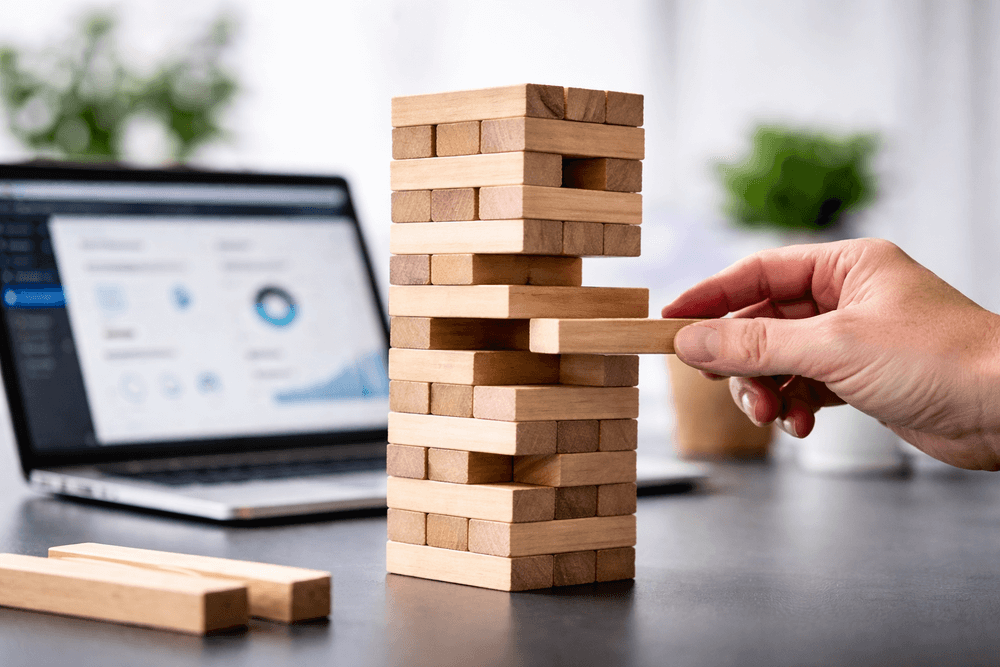
Most WordPress websites do not fail all at once. In fact, WordPress maintenance problems are often the result of issues that build up over time as plugins, page builders, and custom code are added or changed.
A site may work well at launch, but a routine plugin update, CSS change, or new landing page can expose weaknesses in the original build.
Most Maintenance Problems Start with the Build
Most WordPress maintenance problems can be traced to decisions made during the original build. The tools selected, feature implementation, and overall site structure determine how easily a website can be updated later. Maintenance problems are rarely failures of WordPress itself. Instead, they are the result of choices made during development.
Too Many Plugins During Development
While plugin count alone does not determine build quality, the concern is when plugins overlap, duplicate simple functionality, or create dependencies that make routine updates more difficult.
Each plugin may introduce:
- Its own settings interface
- Its own update schedule
- Its own scripts and styles
- Its own compatibility requirements
As the plugin stack grows, editing and maintenance can become fragmented across multiple tools.
Plugins should have a clear purpose. They should not duplicate another plugin’s role or handle basic structural work that belongs in the theme or custom build.
Examples of Plugin Overlap and Misuse
Multiple Form Plugins Running Simultaneously
It’s common to find Contact Form 7, WPForms, and Elementor Forms all on the same site. This leads to inconsistent styling, fragmented lead routing, unnecessary scripts, and extra troubleshooting time. One well-implemented form system is usually sufficient.
Layered Page Builders & Add-Ons
Combining page builders (like Elementor or WPBakery) with premium theme builders and secondary add-on libraries creates conflicting editing layers. Edits become harder, site speed drops, and updates carry much higher risk.
Band-Aid Performance Plugins
When bloat slows a site down, adding more plugins for caching, minification, or database cleanup often creates conflicting settings. If the foundation is overloaded, another plugin adds complexity rather than a fix.
Update Instability and Version Conflicts
WordPress core, themes, and plugins all receive updates. When a website depends on several interconnected tools, an update to one component can affect another.
Businesses may then delay updates because they are concerned about breaking the site. Over time, this increases security risks, compatibility problems, and repair costs. If your site is already stuck in this cycle, our Orange County WordPress Support team can safely resolve version conflicts without breaking your design.
Performance Consequences of Plugin Bloat
WordPress maintenance challenges are closely tied to performance.
Load Time Degradation
Many plugins add scripts, stylesheets, database queries, or background processes. Poorly chosen or overlapping plugins can increase server load, slow page rendering, and make performance problems harder to diagnose.
Conversion & Marketing Impact
Slow websites reduce form submissions, e-commerce sales, and time on page. This directly hurts search visibility and paid advertising efficiency. When landing pages load slowly, fewer visitors convert, driving up the cost of every lead.
What Quality WordPress Builds Do Differently
Quality WordPress builds use a limited set of well-supported tools, assign each function to one system, and provide editors with predictable templates and clear content fields.
Custom development is used where it reduces complexity, not simply to avoid plugins. Updates are tested before deployment, and the front end is kept as lean as practical.
The goal is not minimalism for its own sake. It is a website that can be updated safely and understood by the people responsible for managing it.
The Real Cost of Build Quality
When site maintenance is straightforward, your team can publish pages, revise content, and launch campaigns without treating every routine change as a complex development project.
If routine updates feel risky or unnecessarily complicated, the problem is likely structural—not user error.
Ready for a cleaner, stress-free WordPress site?
We help businesses eliminate plugin bloat, resolve underlying maintenance conflicts, and build custom foundations that scale. View our full suite of WordPress services.