
WordPress Maintenance Challenges: Why Some Websites Are So Hard to Update
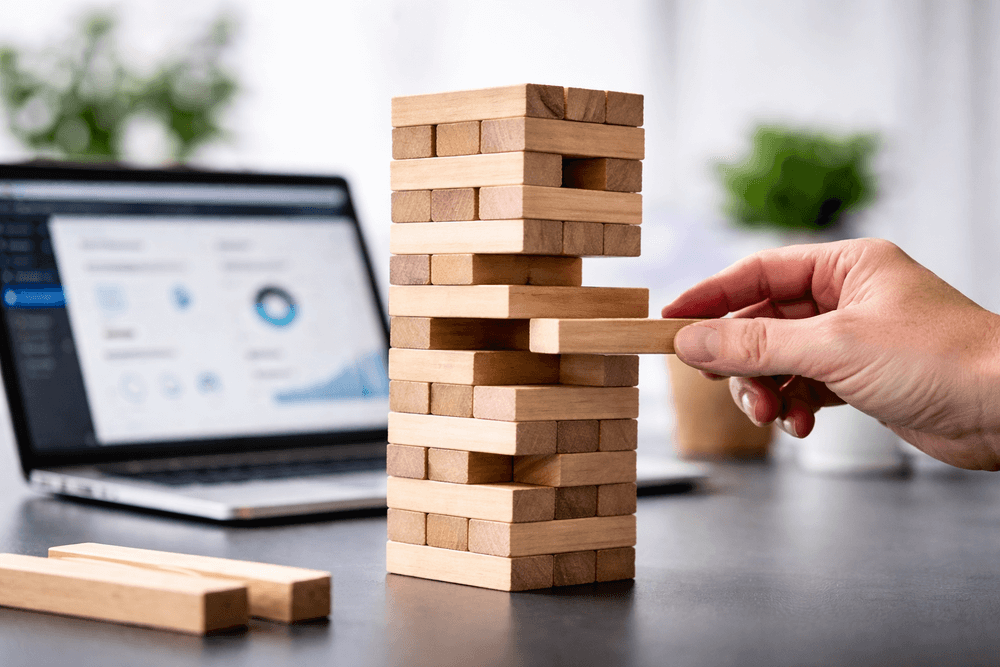
Most WordPress sites don’t break overnight. They collapse under their own weight, often due to common WordPress maintenance challenges.
At launch, everything looks perfect. The buttons click. The pages load. The contact forms work.
Beneath the surface, however, many sites are built like a game of Jenga. One plugin update, one CSS adjustment, or one new landing page can introduce instability.
These maintenance challenges are not “just how WordPress works.” They are the result of build-stage shortcuts that eventually become business liabilities.
Why WordPress Maintenance Challenges Become Business Problems
A business website is not a brochure. It is an operational platform.
Marketing teams need speed. Service offerings evolve. Hiring pages need updates. Promotions launch on tight timelines.
When even small content edits require technical assistance, momentum slows.
Common results include:
- Delayed campaign launches
- Outdated service pages
- Infrequent SEO updates
- Missed revenue opportunities
What starts as a structural inconvenience gradually becomes a business liability that requires a proactive WordPress maintenance strategy to resolve.
The Structural Causes Behind Hard-to-Update Websites
Most WordPress maintenance challenges can be traced back to how the site was originally built and the fundamental differences between custom vs. templated design.
Plugin Dependency as a Build Strategy
The number of plugins installed on a WordPress site is often a tell-tale sign of its structure.
A high plugin count usually indicates that functionality was layered in rather than engineered properly through custom WordPress development.
Each plugin introduces:
- Its own settings interface
- Its own update schedule
- Its own scripts and styles
- Its own potential conflicts
Editing becomes fragmented across tools instead of centralized in a clean structure.
Plugins should never overlap in function, and they should not be used to solve simple structural needs that belong in the core build.
Examples of Plugin Overlap and Misuse
1. Multiple Form Plugins Running Simultaneously
It is common to see Contact Form 7, WPForms, and Elementor Forms running on the same site.
Often, different vendors add their preferred tools over time.
The result:
- Fragmented lead routing
- Styling inconsistencies
- Extra scripts loading on every page
- Increased maintenance complexity
One form system is sufficient when implemented correctly.
2. Page Builder + Theme Builder + Add-On Packs
Some websites combine a page builder like Elementor or WPBakery with a premium theme builder and additional third-party add-on libraries.
This creates nested editing environments and shortcode dependency.
Over time, this leads to:
- Difficult content edits
- Higher break risk during updates
- Heavier front-end code output
The site becomes harder to maintain with every additional layer.
3. Performance Plugins Stacked to Fix Plugin Problems
When plugin bloat slows a website down, the common reaction is to install more plugins to fix performance.
You may see:
- Caching plugins
- Image optimization tools
- Script minification plugins
- Database cleaners
Stacked together, these can create configuration conflicts and unstable results.
Instead of solving the root issue, they add another layer of complexity.
“Jack-of-All-Trades” Development Environments
When a single designer attempts to deliver design, SEO, ecommerce, performance, and automation, plugins often become the shortcut.
Plugins are used to bridge knowledge gaps.
At launch, the website works. Long term, the maintenance burden increases.
WordPress maintenance challenges rarely stem from WordPress itself; they stem from build decisions—and are a primary reason why cheap websites cost more over time.
Update Instability and Version Conflicts
Every plugin receives updates. So does WordPress core. So do themes.
When a website relies on many interconnected plugins, updates introduce uncertainty.
Businesses begin delaying updates out of fear of breaking the site.
Over time, this increases:
- Security risk
- Compatibility issues
- Long-term repair costs
Without consistent WordPress support, these small conflicts eventually lead to total site failure.
Performance Consequences of Plugin Bloat
WordPress maintenance challenges are closely tied to performance.
Load Time Degradation
Each plugin adds scripts, stylesheets, and database calls.
The more plugins installed, the heavier the page becomes.
This affects server load, rendering time, and overall user experience, illustrating exactly why quality hosting matters when your software stack is heavy.
Conversion Impact
Speed directly influences user behavior.
Slow websites reduce:
- Form submissions
- Ecommerce conversions
- Time on page
- Engagement
Performance remains one of the most consistent conversion killers.
A website that is difficult to maintain is often the same website that struggles to convert.
SEO and Advertising Efficiency
Search engines factor performance into rankings.
Paid traffic sent to slow landing pages converts at lower rates.
As performance declines, acquisition costs increase.
Maintenance structure and marketing performance are connected.
What Maintainable WordPress Websites Do Differently
A well-built WordPress website is simpler than most people expect.
Feature Consolidation
- Fewer, purpose-driven plugins
- No overlapping functionality
- Native solutions where appropriate
Role-Appropriate Development
- Design handled through structured layouts
- Functionality engineered intentionally
- No unnecessary tool stacking
Performance-First Builds
- Lean plugin stack
- Reduced script load
- Optimized front-end output
Structured Editing Frameworks
- Predictable templates
- Clear content fields
- Safe editing environments
The goal is not minimalism for its own sake. It is operational clarity.
Why Maintainability Impacts ROI
When maintenance is straightforward, businesses gain faster campaign deployment, consistent SEO expansion, higher conversion rates, and lower lifetime support costs. Ultimately, it provides greater internal control.
WordPress maintenance challenges rarely appear overnight; they accumulate gradually through build decisions. A website should support growth, not restrict it.
If updating your website feels risky or unnecessarily complicated, the issue is likely structural, not user error.
Structural problems require structural solutions.
Stop fighting your website and start scaling it. If every update feels like a risk, it’s time to move past “quick fixes” and address the foundation. We specialize in untangling plugin bloat and converting fragile builds into high-performance, manageable assets.
Is your site an operational platform or a technical constraint? Schedule a Structural Audit today and let’s get your marketing team back to moving at the speed of your business.